iOS Tips
iPhone Liquid Damage: What to Do Before Repair
By Genesis Board Fix · · 1 min read
Unplug a wet iPhone, avoid rice and heat, and get a diagnosis before repeated charging attempts. Repair and data recovery depend on the actual damage.
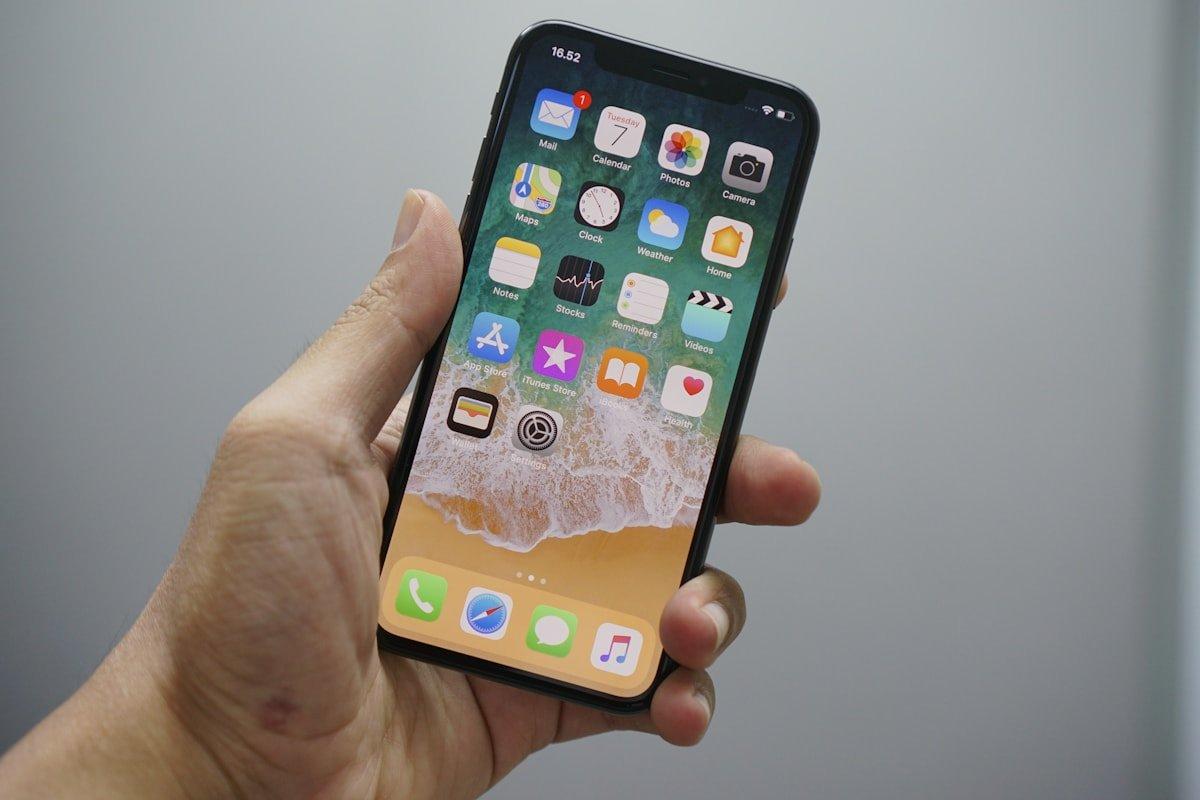
What should I do if my iPhone detects liquid?
Disconnect the charging cable and follow the liquid-detection guidance for your model. Do not force a cable into the connector or keep trying to charge through an alert. A warning about the connector does not by itself establish whether the internal board is damaged.
Should I use rice or a hair dryer?
Apple advises against rice, external heat, compressed air and inserting objects into the connector. Those methods are not substitutes for inspecting a damaged phone. If it behaves abnormally after liquid exposure, arrange an assessment and explain what liquid was involved and when the incident happened.
Can a liquid-damaged phone and its data be saved?
That depends on the affected components and the condition of the storage and original hardware. No recovery percentage can be promised from a description alone. Tell the technician if recovering files is your priority before approving a repair or replacement.
How is recovery different from ordinary repair?
A repair aims to restore device operation; recovery aims to return agreed files. Recovery or transfer can require copying data with your explicit agreement. Confirm the destination media, any unlocking needed and the handling and deletion of temporary copies before work starts.
Further reading: Apple: If you see a liquid-detection alert.