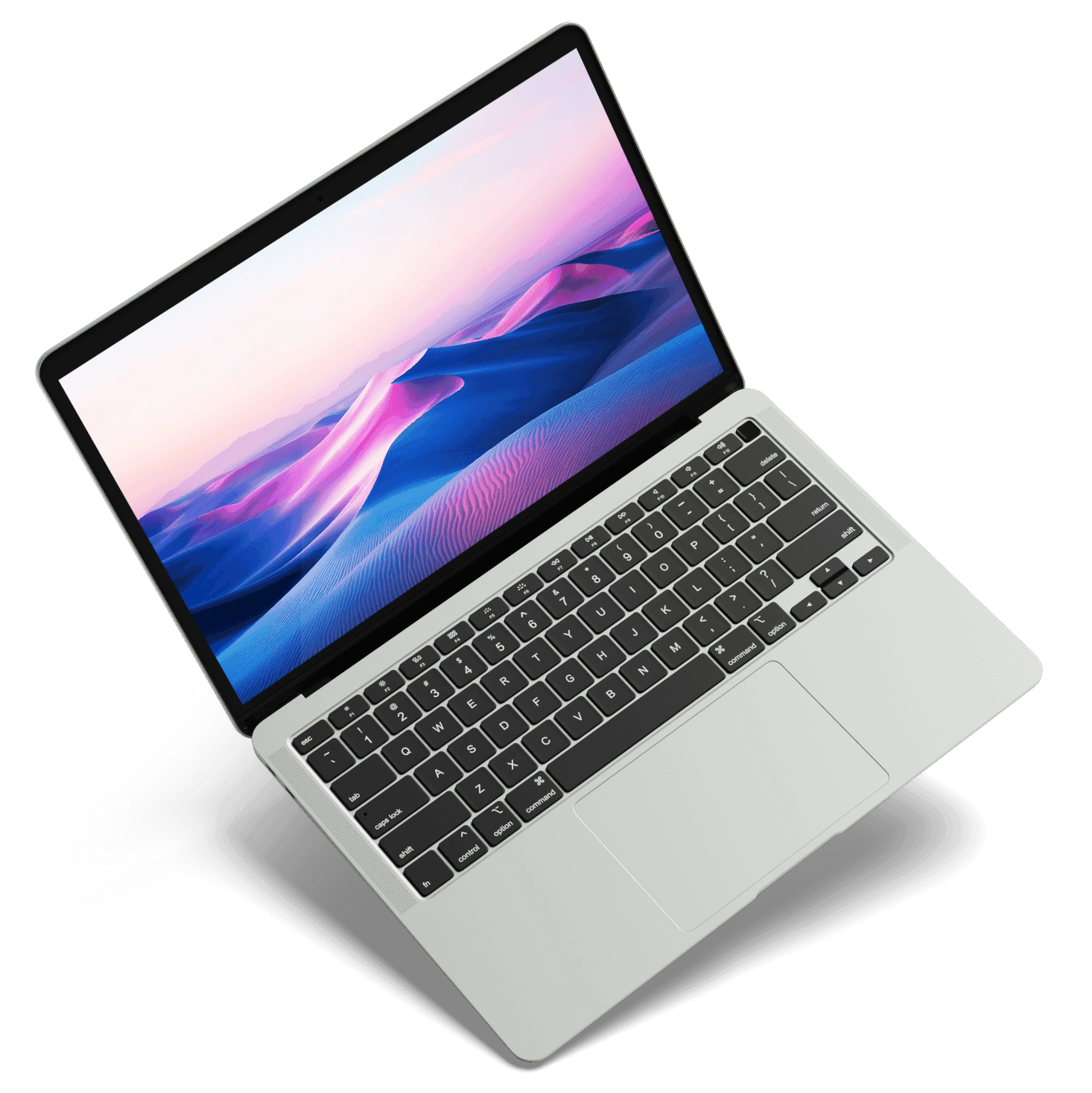
MacBook Pro M6
14-inch, M6, 2026
BatteryDisplayLogic BoardChargingNo PowerLiquid Damage & More
Select your model to see the repairs, common issues and booking details for it.
Showing 12 of 21 models
14-inch, M6, 2026
14 & 16-inch OLED, M5 Pro/Max, 2026
14-inch, M5 Pro/Max, 2026
16-inch, M5 Pro/Max, 2026
14-inch, M5, 2025
14-inch, M4 Pro/Max, 2024
16-inch, M4 Pro/Max, 2024
14-inch, M4, 2024
14 & 16-inch, M3 Pro/Max, 2023
14-inch, M3, 2023
14 & 16-inch, M2 Pro/Max, 2023
13-inch, M1 2020 · M2 2022
The model number is printed on the bottom case, near the hinge — it starts with “Model A”. Send us a photo on WhatsApp and we'll identify it.
Reliable, fairly priced repairs for every MacBook Pro model in Hyderabad.
Tip: choose your model above and we'll show the faults we see most on it.
Selected MacBook Pro repairs in 1–2 hours*with 90-Day Warranty
*Battery, display and port repairs when the part is in stock. Board-level and liquid-damage work can take longer — we give you a time with your quote.
Some of the common MacBook issues that
Cracked screen, lines, flicker or a display that has gone completely dark. We first check whether it's the panel, the display cable or a backlight fault on the board — so you only replace the screen when the screen is really the problem.
Every battery loses capacity with charge cycles. Fast drain, sudden shutdowns or a swollen battery lifting the trackpad all mean it's time. A fresh OEM-quality battery gives your MacBook years more life.
Sticky or dead keys, a failed backlight, or a trackpad that won't click. Often the cause is a swelling battery pushing up from below or liquid under the keys — we fix the cause, not just the symptom.
Coffee, water or juice on the keyboard is one of the most common faults we see. Switch it off, unplug it and don't try to power it on. We clean the board ultrasonically and repair any corroded components.
Stuck on the Apple logo, a progress bar that never finishes, or a folder with a question mark. We find out whether it's software, the SSD or the logic board — and on M-series Macs, where storage is soldered to the board, we repair it there to keep your data.
Won't charge, charges only at certain angles, or MagSafe light but no charge. MagSafe, USB-C board and charging IC faults are repaired at the bench — usually without replacing anything but the failed part.
4 steps, start to finish
Drop your device at our Kukatpally lab or book online.
We assess the device and explain the fault before any work starts.
We repair the fault at component level, then test the device.
Collect your fully tested device with a 90-day warranty.
FAQ
Something not covered here? Call or WhatsApp — we answer honestly, even when the answer is that it isn't worth repairing.
More ways we can help
Expert diagnostics and component-level repairs for Apple devices and more.